QMy platform data doesn't match the TCS data - what do I do?
A
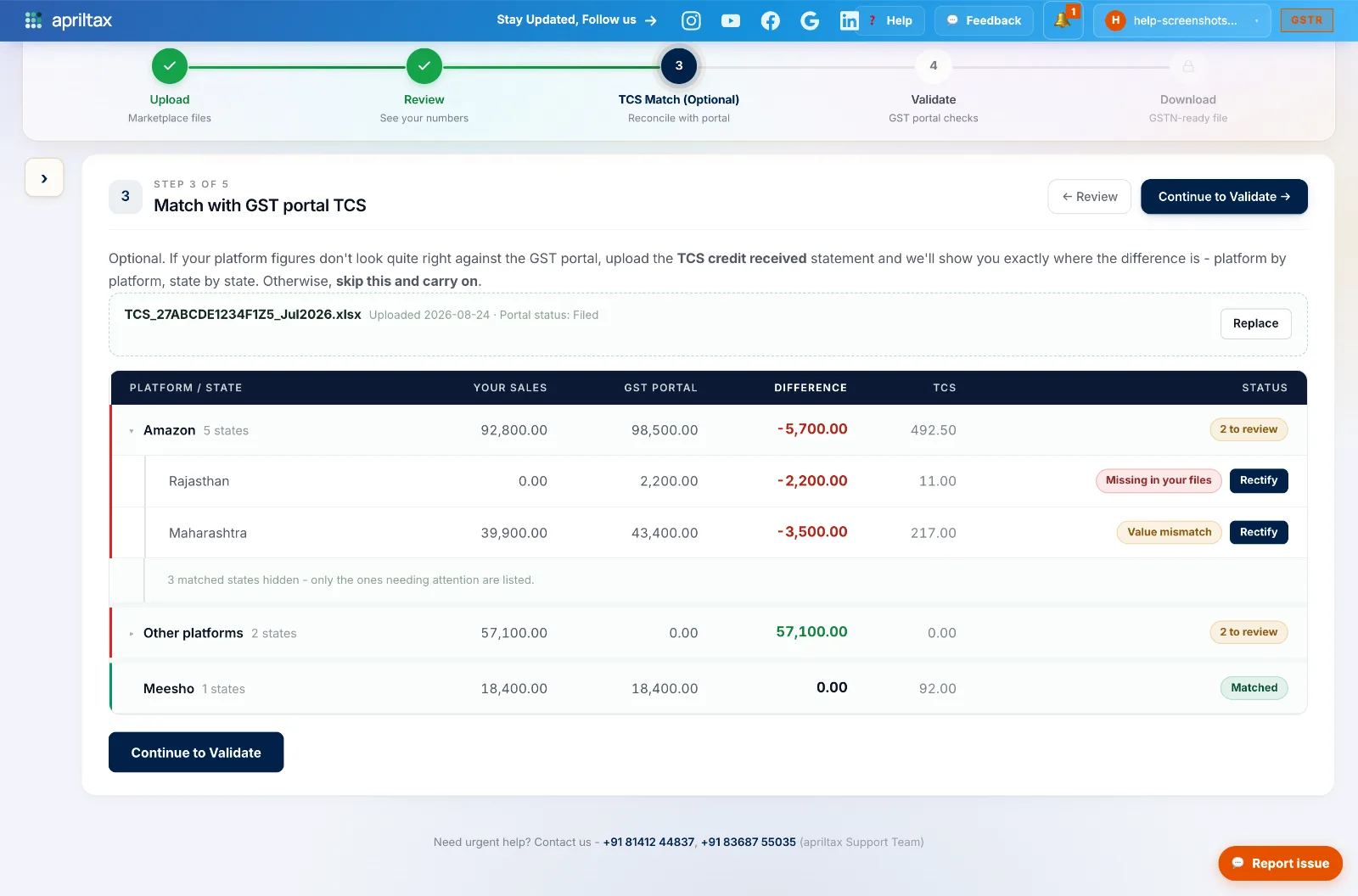
Download the TCS Credit Received statement (Excel) from the portal (path here) and upload it at Step 3 - TCS Match. AprilTax compares both sides platform-by-platform, state-by-state, and any genuine gap is fixable with a one-click rectification entry.
QWhich direction of mismatch actually needs action?
A
Your reported sales HIGHER than the TCS statement → no action needed (platforms that don't collect TCS, timing differences). Your reported sales LOWER than the statement → that's under-reporting; upload the statement and use Rectify to transfer the missing amount to the right state in one click. Worked examples.
QMy data shows ₹1 lakh in sales but TCS shows zero - why?
A
You're selling zero-rated / exempt products - no TCS is deducted on them, so the statement legitimately shows zero. Nothing is wrong; proceed with your data as-is.
QTCS data isn't showing on the portal yet - is something broken?
A
No - marketplaces push TCS data via GSTR-8 only by the 10th of the next month. Before the 10th the statement is empty or partial. Wait and do your TCS match (and filing) on the 10th or 11th, when every platform has reported.
QI filed GSTR-1 but forgot to accept my TCS credit - can I still claim it?
A
Yes. TCS credit and GSTR-1 are completely separate - the credit has no due date. You can accept it before filing, after filing, even once a year. Best practice: accept it monthly so it lands in your Cash Ledger and pays down each month's GSTR-3B. How TCS credit works.