QHow do I download my GST data from Meesho, Amazon, Flipkart?
A
Under each platform's name on the Upload step there's a How to download link with that platform's exact steps - or use the written guides: Amazon · Flipkart · Meesho.
QI sell on Snapdeal, Myntra or another platform you don't support directly - what do I do?
A
Download the Other Platforms B2C template, fill your sales into it, and upload under Other Platforms - it's processed like any native platform. Important: use ONE combined B2C file for all your unsupported platforms together - paste every platform's rows into the same sheet, no separate file per platform. Full guide · AI prompt for Snapdeal.
QWhat does the "Open detailed view" button do?
A
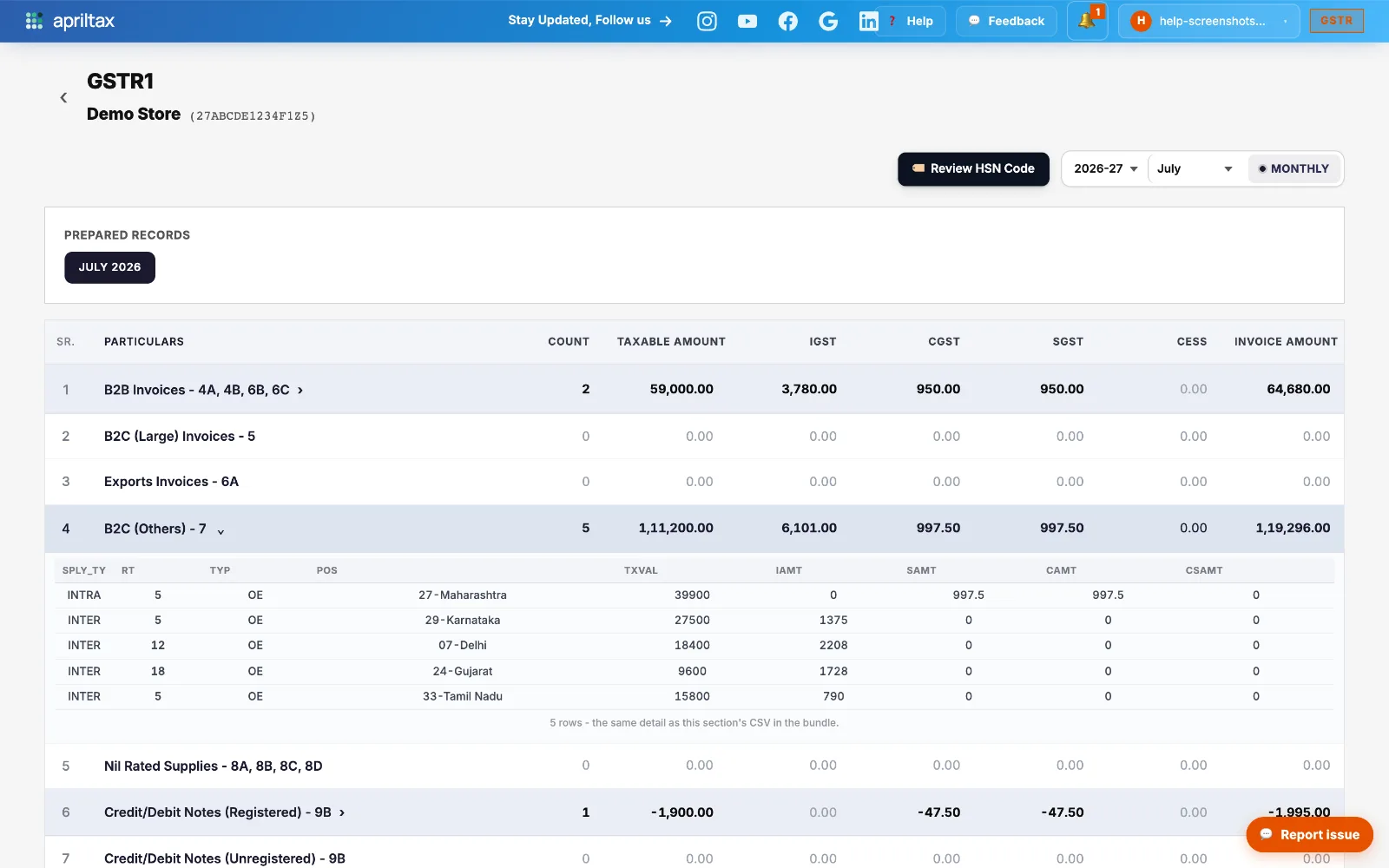
It opens the full GSTR-1 breakdown - every table, expandable to invoice level - and it's also where you correct details directly (HSN review, Table 14 edits).How to use it.
QI can't manage the filing myself - is there an alternative?
A
Yes - the Assisted Service: AprilTax files your GSTR-1 and GSTR-3B every month on your behalf for a minimal monthly charge. You upload the reports; we do the rest.