Validation & reconciliation errors sellers hit most
QWhy is my Cross-Table Reconciliation check failing?
A
If you sell on Flipkart: 9 out of 10 times the cause is using Flipkart's GST report. Use the Sales report instead (where to get it) - it carries cleaner state-level data and the check passes. Still failing after that? Clear the period's uploads and re-upload everything fresh - a stale or partial file is usually hiding in the mix.
QWhy am I getting a sign-mismatch error in Table 14 (e-commerce operators)?
A
In Table 14, the sign of an operator's taxable value and its tax must agree - both positive or both negative. A negative supply with positive CGST (or the reverse) is impossible to file. Fix: open the Table 14 editor and set the figure with the wrong sign to zero (or the correct signed value), save, and Re-run checks. Full walkthrough here.
QI'm getting a "wrong HSN code" error - how do I fix it?
A
Open Review HSN Code, correct the flagged red rows (one-click Use where a suggestion exists, or search by product name), save, and re-run validation. Step-by-step with screenshots.
QWhat exactly is "Run Validation"?
A
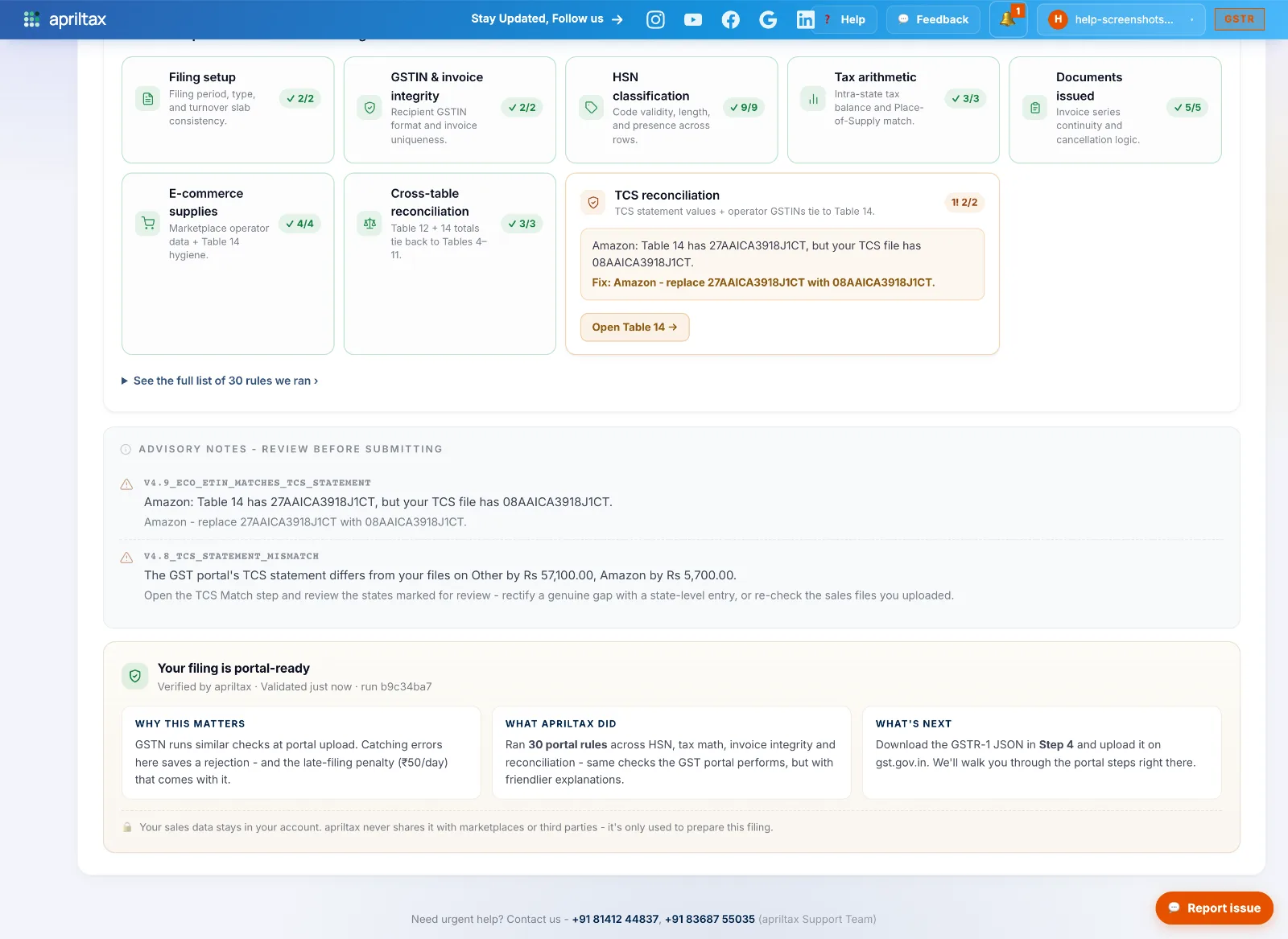
One click runs ~30 checks on your prepared return - HSN validity, tax arithmetic, document counts, e-commerce tables, cross-table reconciliation - the same rules the GST portal applies, but with plain-language fixes. The JSON download unlocks only after every critical check passes, which is why a rejected upload at the portal is so rare for AprilTax filings. See all 30 checks.