How do I review and fix HSN codes?
-
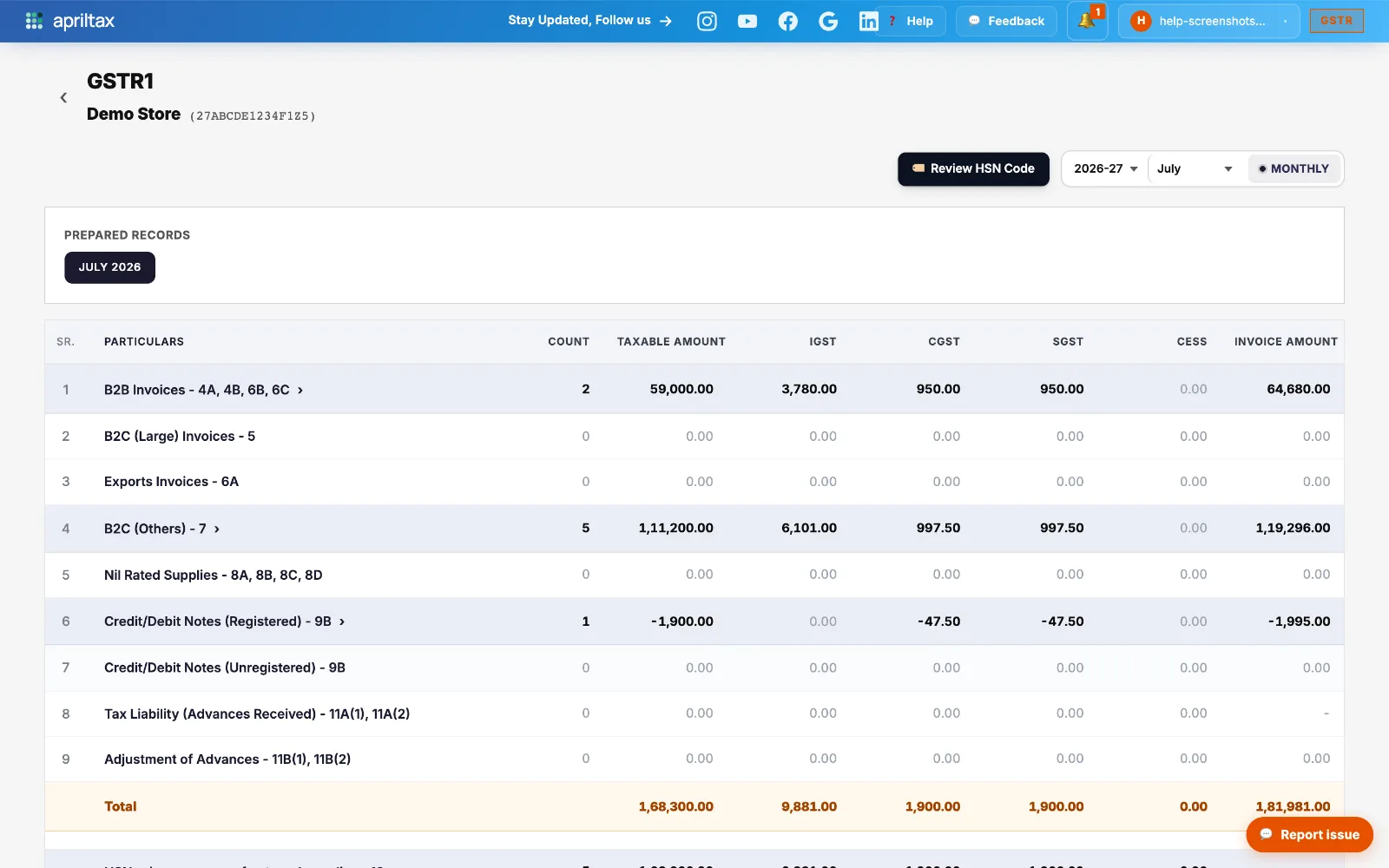
In the detailed view, click Review HSN Code (top right). It opens the HSN table for each marketplace's data in the period.
-
Problem rows come first: codes that are missing, shorter than 4 digits, or not in the GST master list are flagged red.
-
Don't know the right code? Click Find by name on the row and type the product (e.g. "cotton shirt") - exact code matches rank first, and you can search by code or product name.
-
Rows with an engine suggestion have a one-click Use button - or accept every suggestion at once with Apply all.
-
Click Save - corrections are stored, applied to Table 12, the JSON, and the CSV exports, and re-checked by validation on the next run.
💡 HSN rules depend on your turnover slab: under ₹5 Cr, B2C HSN is optional (B2B still needs 4+ digits); over ₹5 Cr, 6-digit codes are mandatory everywhere. Fixing "not in master" flags.
A real apriltax team member, not a bot.