How do I log in to AprilTax?
-
Open getapril.in and click Sign In at the top right.

-
Choose Continue with Google, or type your email and password. New here? Click Register on the same page.
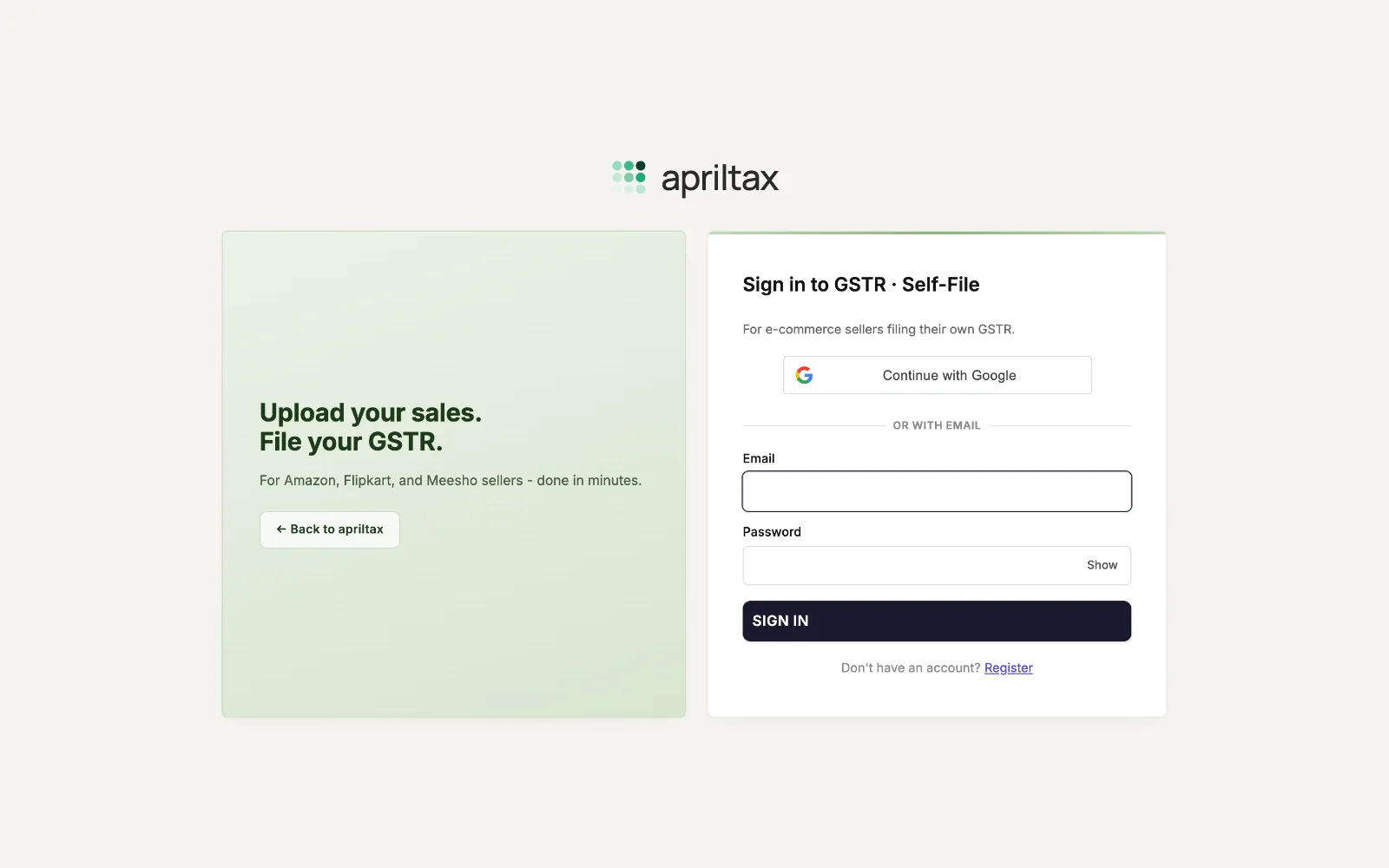
-
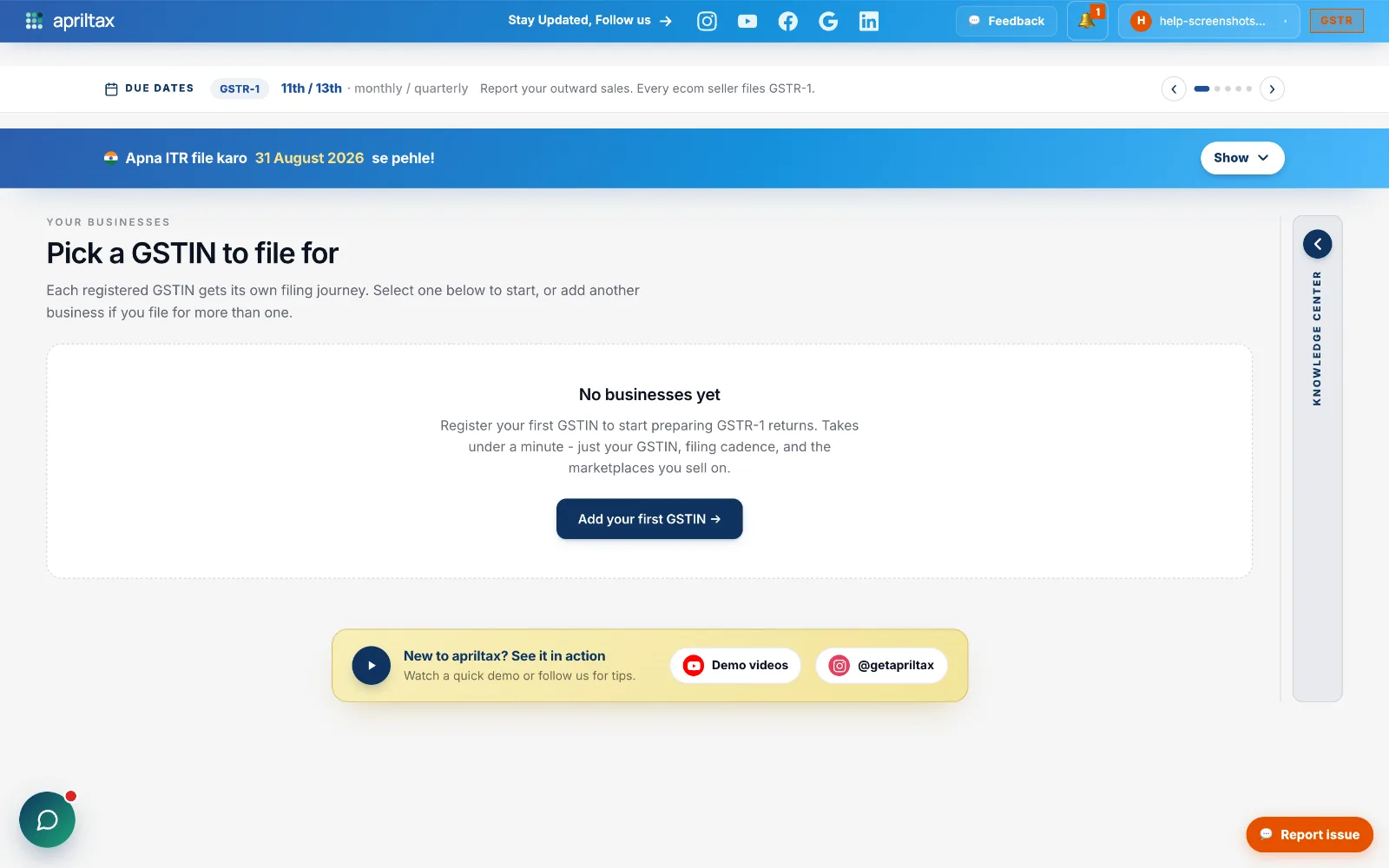
Press SIGN IN - you land on Your Businesses, ready to file.
Stuck? We reply in minutes.
A real apriltax team member, not a bot.
A real apriltax team member, not a bot.